I use a tiling window manager to manage each task (/workflow/issue/ticket) on a separate (visual) workspace with its own isolated container/git worktree that is bound to it.
I name my workspaces to match the task, so it's easy to find all terminal sessions/apps related to one task; then I only have to be able to find a session/app within the task. And i3wm supports tabs, the tab title automatically set by most AI agents and apps to be something helpful, so it's trivial to find.
Thought this is not sth even AI specific, it's not really AI specific, it is just super useful for multi-tasking in general way beyond coding tasks as well. I first started automating this flow 6-7-ish years ago as i3-env: https://github.com/kantord/i3-env thought since I tried to rewrite that a couple times because debugging bash scripts was not so much fun; I'm kinda settling on a well-made and portable system now, though it's not well documented yet.
Start up claude with "claude agents" instead of "claude"
This way you can start and manage multiple sessions from the terminal easily. Can jump into individual session, or peek into them to see progress, will get alerted when a session needs your attention, etc.
when it all gets too much add --cwd to the claude agents invocation to make it only show agents in the current directory.
I run about ten tabs, one for each project, with claude agents as a session manager.
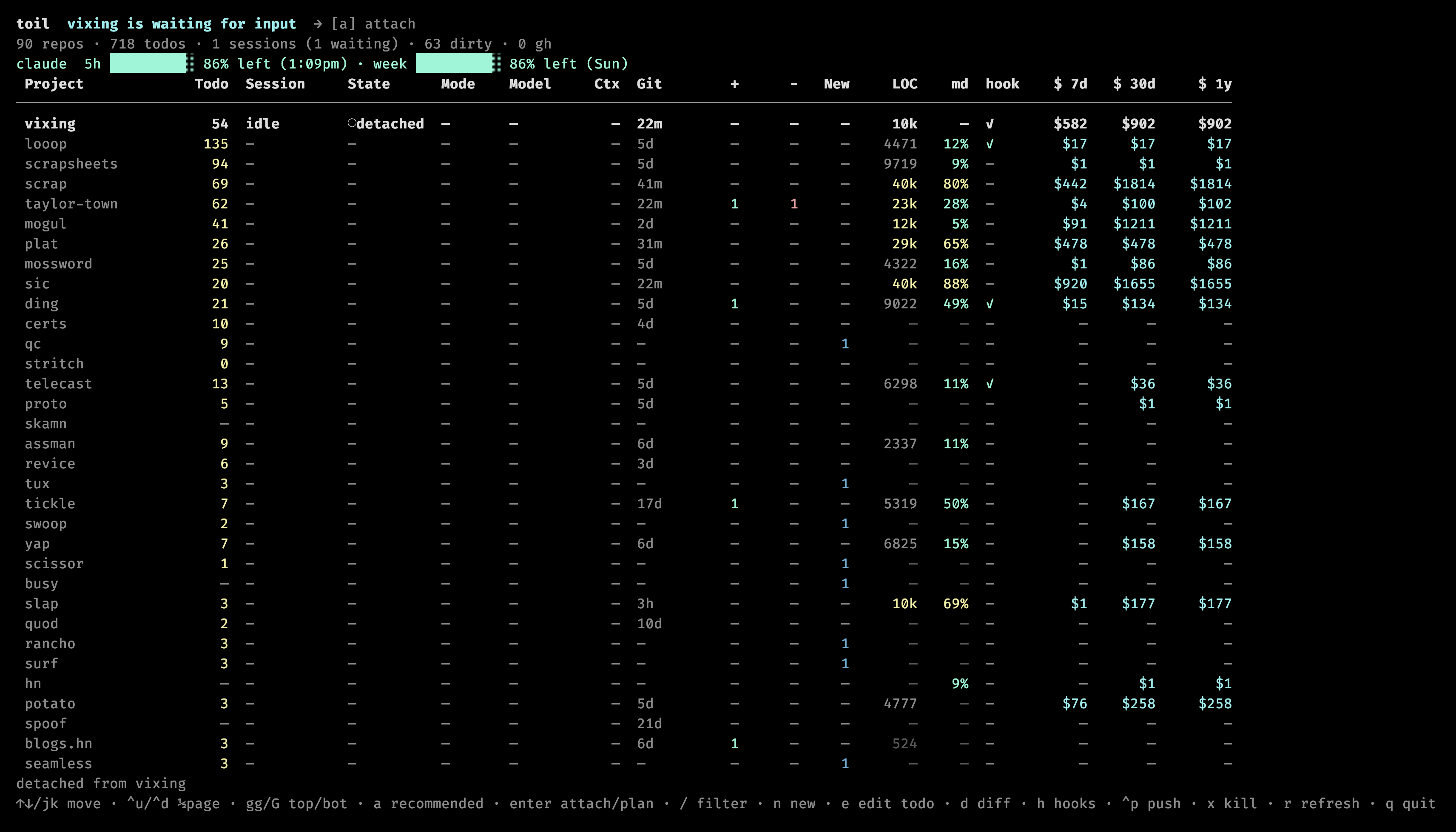
I built myself a little tui that lists all my projects and moves claude code sessions to the foreground/background:
[0] https://taylor.town/toil.png
(The $ estimates in that screenshott are wildly incorrect! haha)
I am using iTerm2 with multiple tabs. Sometimes I put different projects on different spaces on macOS. The trick seems to have a special place of them in my head.
But I do feel there must be a better way.
it's basic, but `/rename` helps me differentiate my terminal windows at a glance
Herdr gets the job solved for me.
Use one of: tmux, orca, herdr